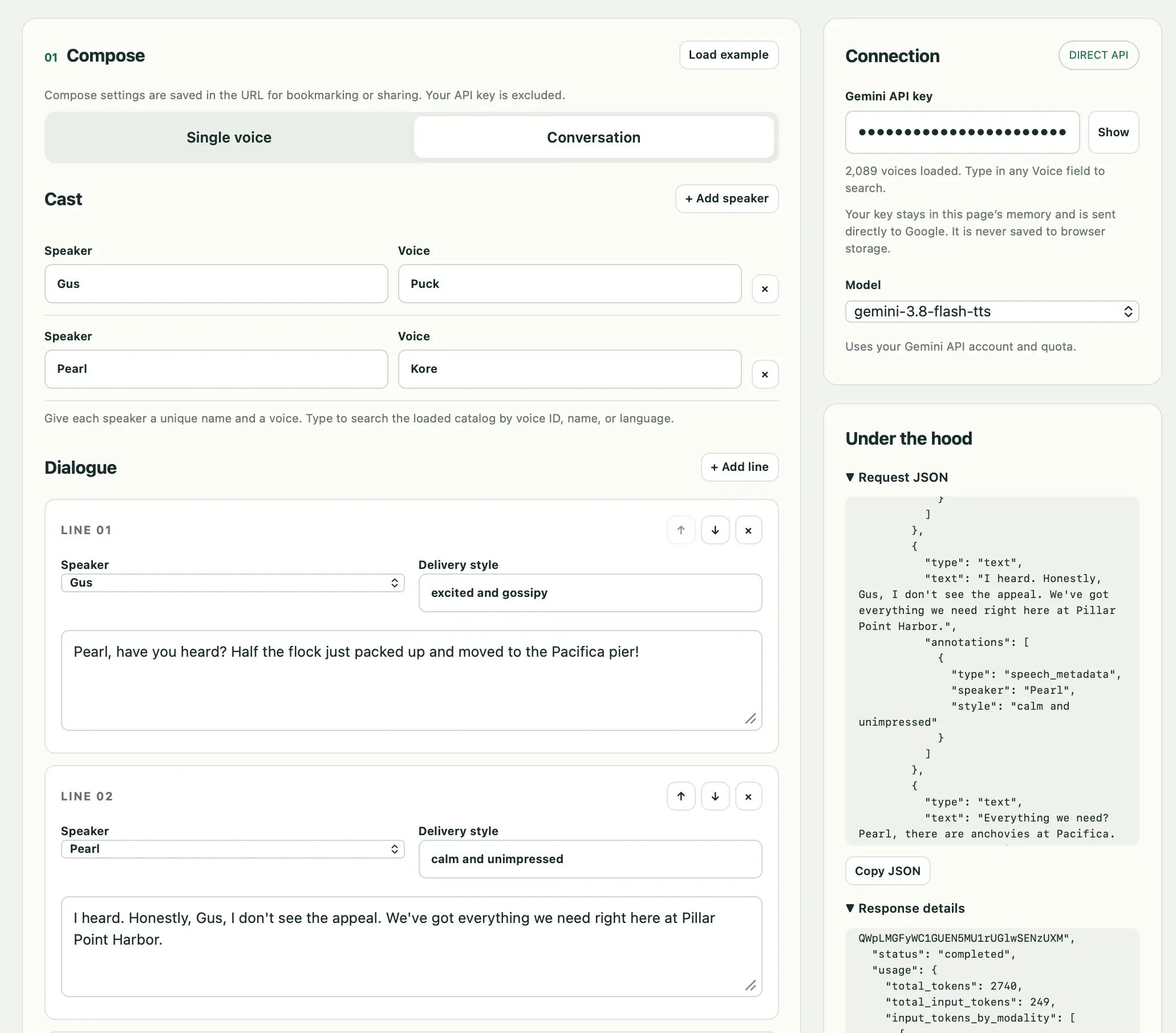
Gemini 3.8 text-to-speech says hello
How-To How to actually use this
What changed: Gemini 3.8 introduced a text-to-speech capability.
How to use it:
- Access the Gemini 3.8 model via its API or interface.
- Send a text prompt containing the words you want spoken.
- Specify the desired voice parameters if available.
- Receive the generated audio output from the model.
Good for: developers adding voice output to apps
More in Model Releases