Deploy and evaluate models with Amazon SageMaker JumpStart
How-To How to actually use this
What changed: Amazon published a tutorial for deploying models from SageMaker JumpStart, running repeatable performance tests with the SageMaker Python SDK, and cleaning up endpoints.
How to use it:
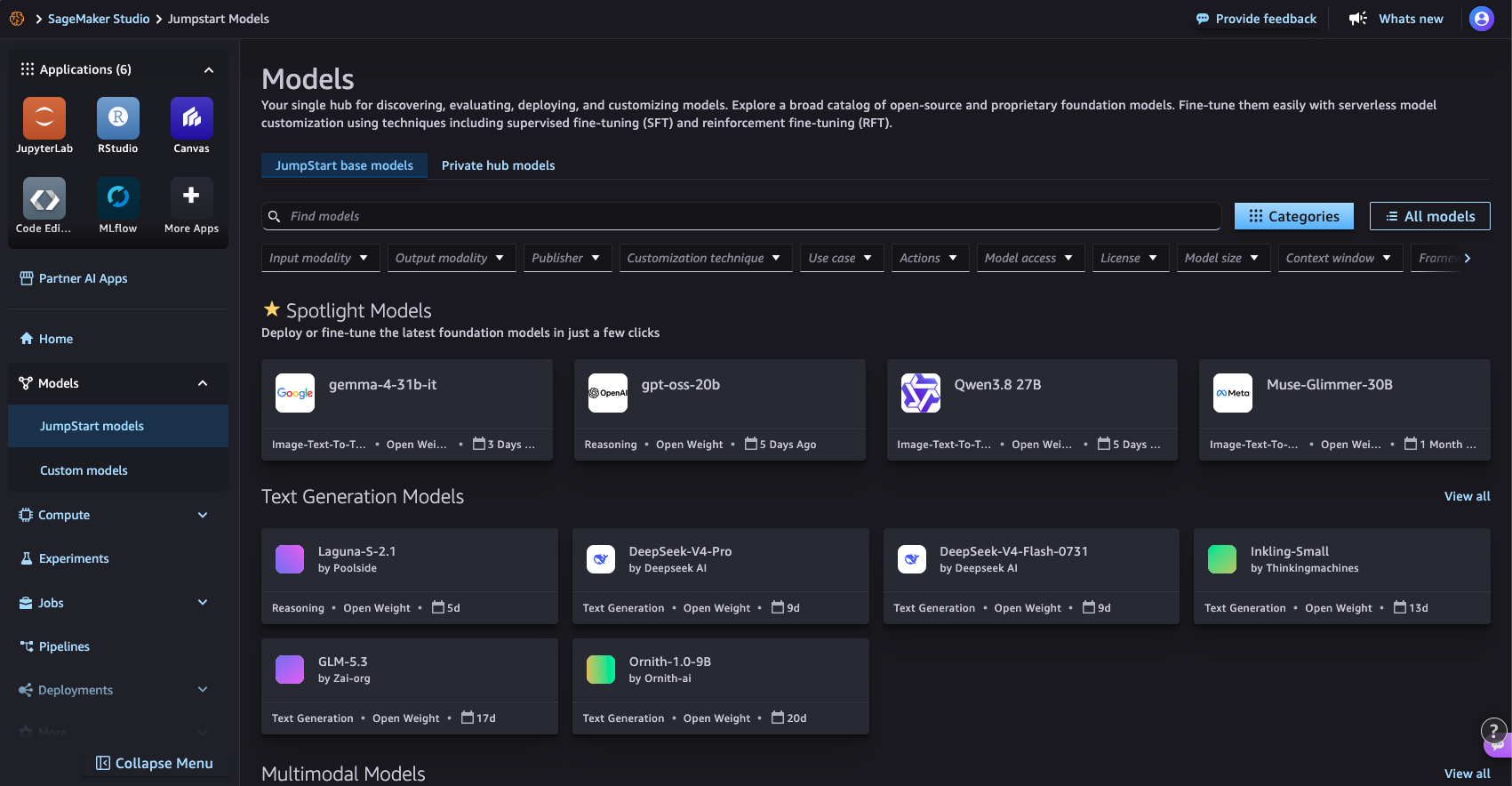
- Open Amazon SageMaker Studio or a notebook instance and browse the JumpStart model hub to select a pre-trained model.
- Deploy the chosen model to a real-time inference endpoint using the SageMaker Python SDK with one line of code.
- Send test payloads to the endpoint using the SDK predictor to measure latency and throughput in a repeatable script.
- Delete the endpoint using the SDK when testing is finished to stop incurring charges.
Good for: ML engineers benchmarking foundation models
Learn how to deploy an available model from Amazon SageMaker JumpStart, run a lightweight and repeatable performance test using the SageMaker Python SDK, and delete the endpoint when testing is complete.
Read original article on Artificial Intelligence →More in Products & Tools