LaTeX renderer
How-To How to actually use this
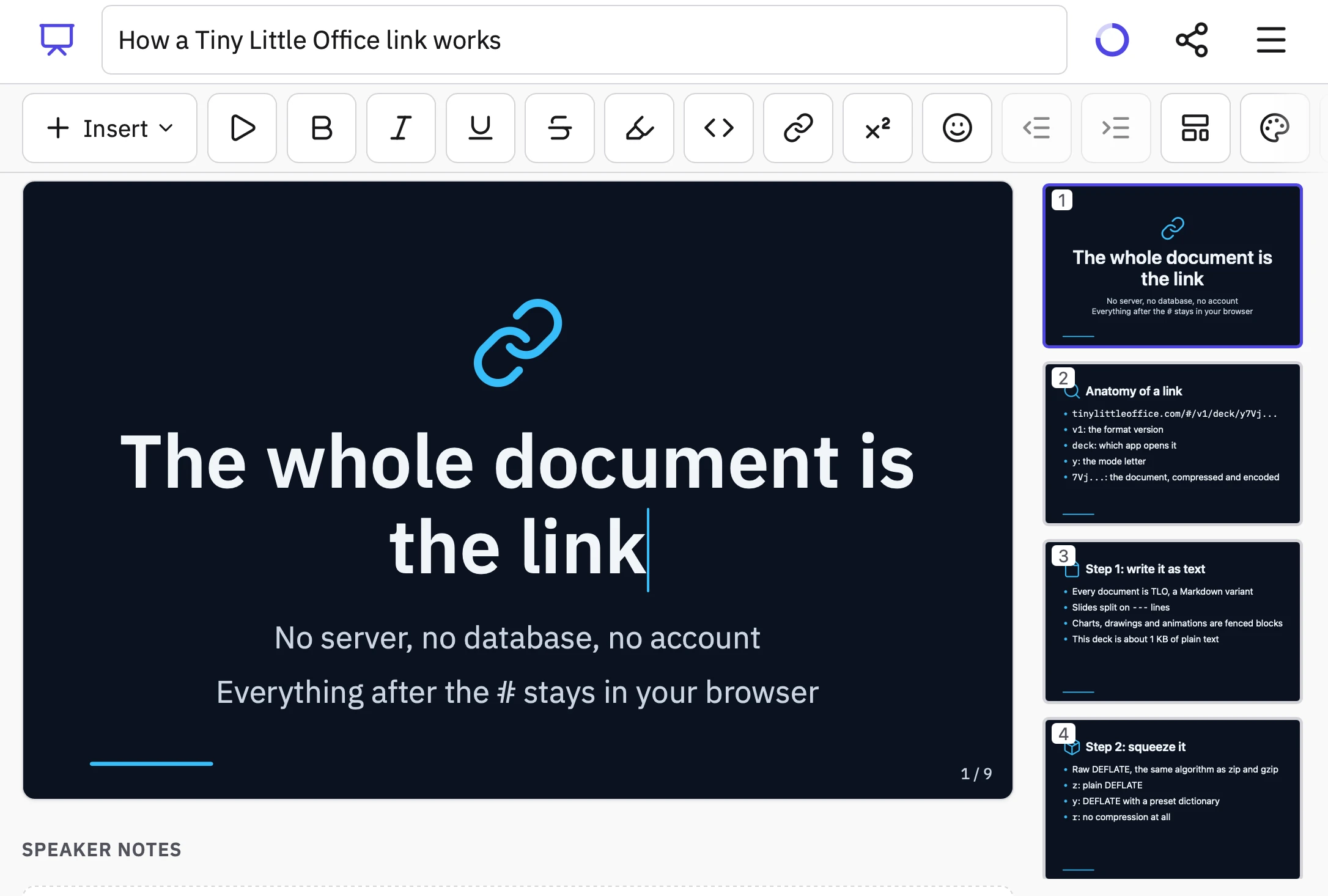
What changed: A LaTeX renderer tool has been introduced, inspired by the Tiny Little Office web app’s approach to storing document data in the URL fragment.
How to use it:
- Open the LaTeX renderer tool in your web browser.
- Enter your LaTeX code into the provided input field.
- View the rendered output in real time as you type or edit.
- Share or bookmark the current state by copying the URL, which includes the fragment containing your document data.
- Use the rendered output for notes, presentations, or web embedding as needed.
Good for: anyone needing quick LaTeX preview and shareable math or technical documents.
Tool: LaTeX renderer Inspired by Paul Ford and Aboard Foundary's new web app Tiny Little Office , which provides a suite of web app content editors (a Word Processor, Outliner, Presentation Builder, Spreadsheet, Calculator, Drawing Tool, Diagram Maker, Animator, Calendar, and Trip Planner). Tiny Little Office's signature trick is to store all of the document data in the #fragment section of the…
Read original article on Simon Willison's Weblog →