Dial Up the Cloud: NVIDIA DLSS 4.5 Controls Arrive on GeForce NOW
How-To How to actually use this
What changed: GeForce NOW members can now adjust DLSS 4.5 settings in supported games for more control over visual quality and performance.
How to use it:
- Launch a DLSS 4.5-supported game through the GeForce NOW app.
- Open the in-game graphics or display settings menu.
- Locate the new DLSS 4.5 controls (such as Super Resolution mode, Ray Reconstruction, or Multi Frame Generation toggles).
- Adjust the settings to prioritize frame rate or image quality based on your connection and preference.
- Apply changes and resume gameplay to see the effect immediately.
Good for: cloud gamers tuning visual fidelity and frame rates.
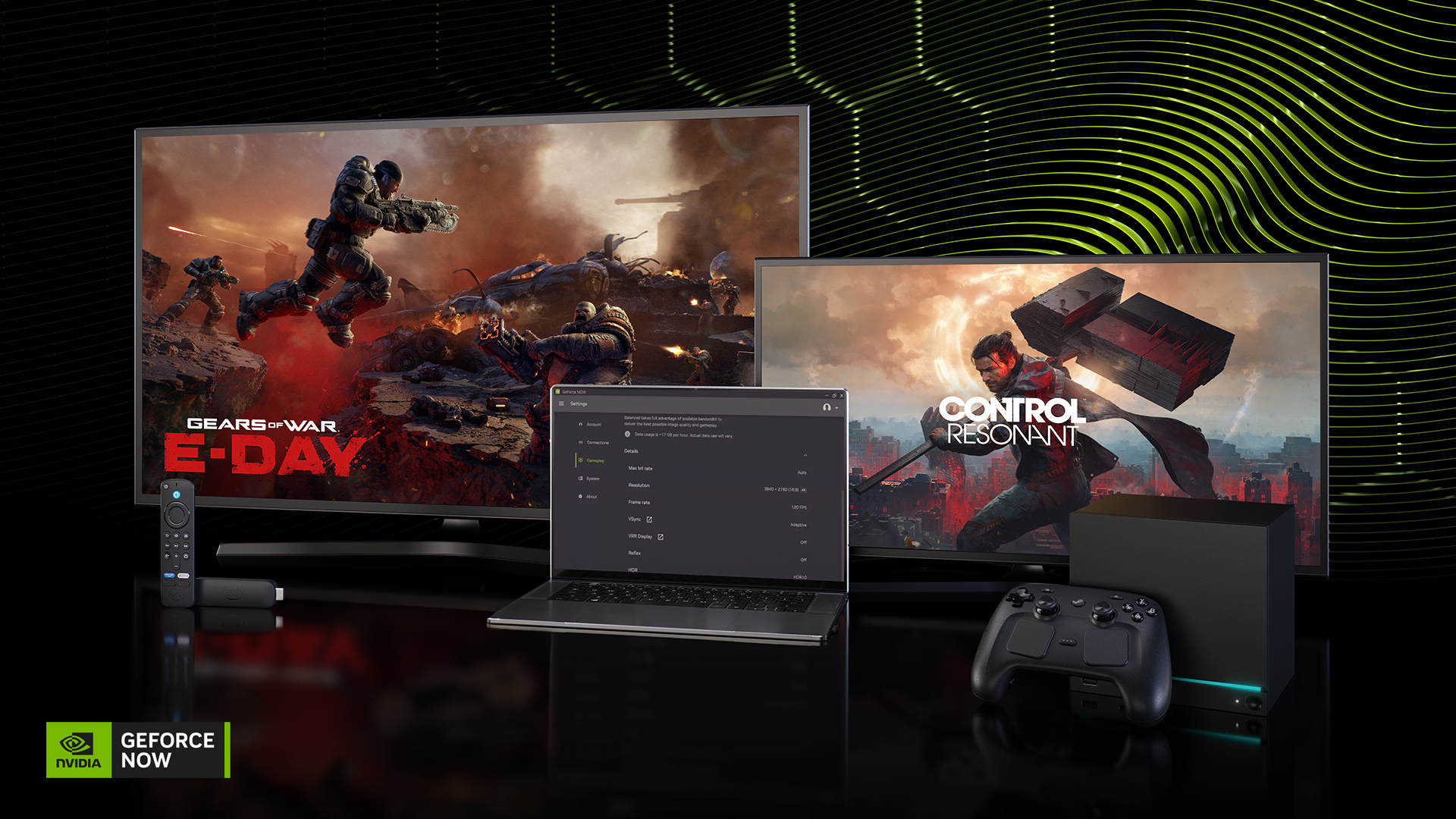
Dial in the next gaming session this GFN Thursday. New NVIDIA DLSS 4.5 controls give GeForce NOW members more choice over how supported games look and perform in the cloud, even without the latest hardware. Then, step into the Shroud as Keen Games’ Enshrouded leaves early access with its 1.0 release, or let the bolts […]
Read original article on NVIDIA Blog →