llm-keys-ui 0.1
How-To How to actually use this
What changed: llm-keys-ui 0.1 is a plugin that lets you manage API keys on remote machines running Codex Remote, avoiding pasting keys into agent sessions.
How to use it:
- Install the llm-keys-ui plugin on the remote machine you use with Codex Remote.
- Open the plugin interface to add or view stored API keys.
- Configure your LLM project to pull keys from the plugin instead of manual paste.
- Use Codex Remote from your phone to run agents that now have key access without you typing them in.
Good for: developers using Codex Remote who want to avoid pasting API keys into agent sessions.
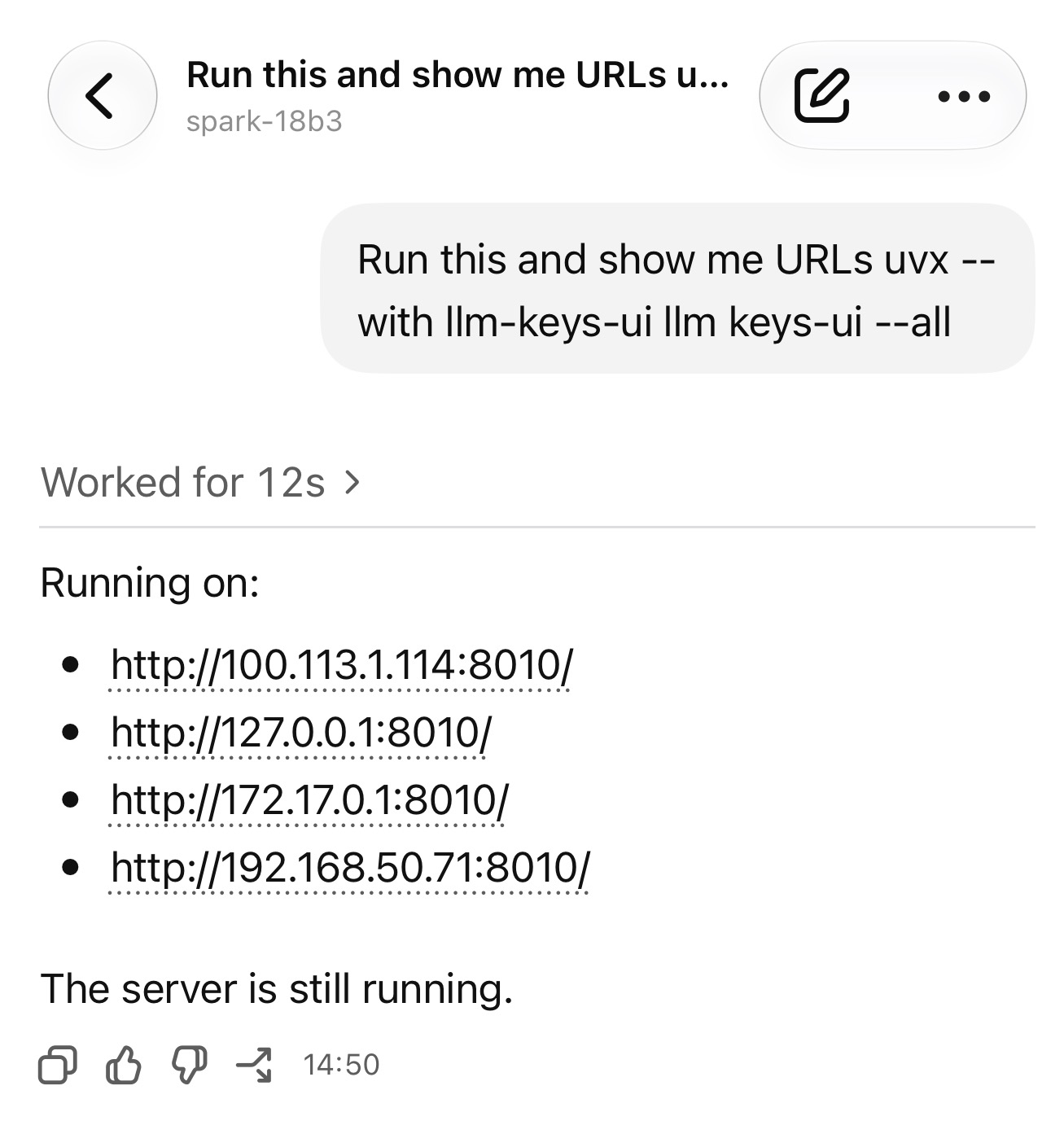
Release: llm-keys-ui 0.1 This plugin solves a very specific problem. I've started using Codex Remote to run coding agents on various machines while controlling them from my phone. Sometimes I use those machines to hack on LLM projects, and occasionally that means I need to configure an API key. I don't like pasting API keys into agent sessions, so I wanted a way to get those keys onto a machine…
Read original article on Simon Willison's Weblog →