How to Turn Excel Data Into PowerPoint Presentations With AI
How-To How to actually use this
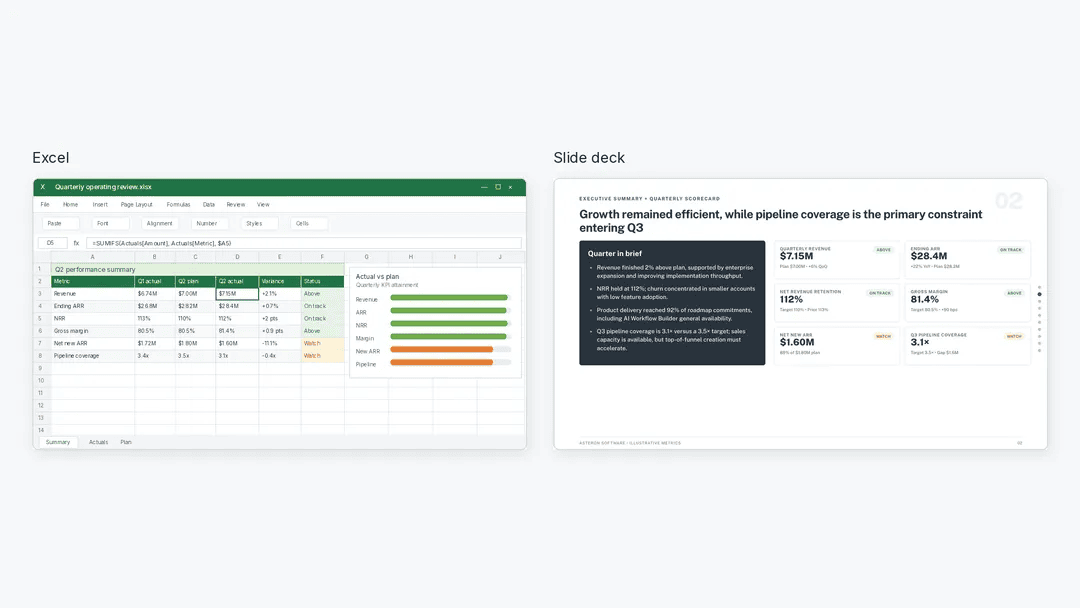
What changed: A tutorial explains how to use Julius AI to analyze Excel files and generate editable PowerPoint presentations from the findings.
How to use it:
- Upload your Excel file to Julius AI.
- Prompt the AI to analyze the data and identify key findings or insights.
- Verify the AI's analysis and conclusions for accuracy.
- Instruct Julius AI to create a PowerPoint presentation based on the verified findings.
- Download the generated .pptx file and edit it as needed.
Good for: analysts converting spreadsheet data into slide decks.
Learn how to use Julius AI to analyze Excel data, verify key findings, and turn them into an editable PowerPoint presentation.
Read original article on KDnuggets →More in Products & Tools


