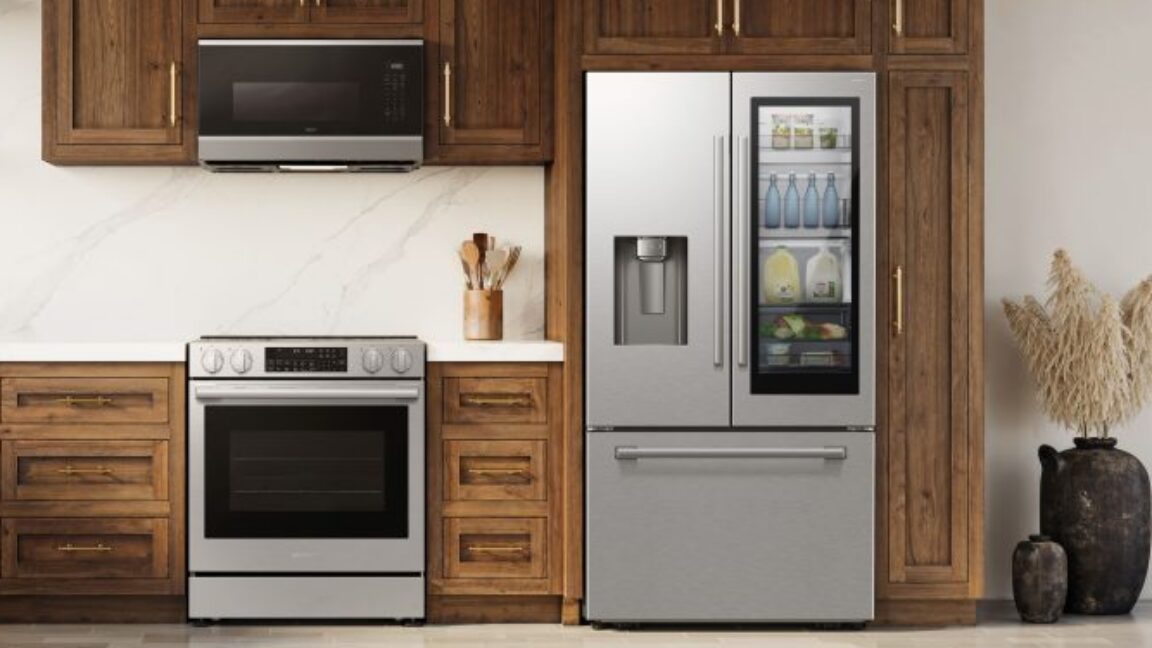
Owners mourn spoiled food after firmware update bricks Samsung smart fridges
How-To How to actually use this
What changed: A Samsung firmware update has reportedly bricked smart fridges, spoiling food and causing financial loss for owners.
How to use it:
- Pause any pending Samsung smart fridge firmware updates until further notice.
- Check your fridge's current firmware version in the settings menu.
- If an update is available and you rely on the fridge for perishables, consider delaying installation.
- Monitor Samsung's official channels for any statements or fixes regarding the issue.
Good for: Samsung smart fridge owners wanting to avoid food spoilage.
"So absurd and embarrassing ..."
Read original article on AI - Ars Technica →